
Creator · 7 min read
Turn One Video into a Week of Content
The most expensive content you will ever make is the video you already published and never reused. A transcript is the raw material for everything else — if you have the right tools to mine it.
Mine the moments worth clipping
Not every minute of a video deserves a second life. Find clips scans the transcript for self-contained moments — a strong opening line, a clear claim, a story with a payoff — and shows the time range, the opening words, and why the moment works. It also flags weaknesses, so you skip the segment that sounds good but says nothing.
Pull quotes you can attribute
Quotes are the spice of a repurposed post. Because each quote carries a timestamp, you can credit the exact moment. Copy a quote as-is, or copy it with its timestamp when you are building a sources list or a reading companion.
Draft the channel you need
Repurpose turns the transcript into a first draft for the format you choose: a blog post, a newsletter, a LinkedIn post, an X thread, a video description or show notes. The draft is grounded in the transcript, so it reflects what the video actually says — you edit for voice, not for facts.
The workflow that works: generate the draft, paste it into your editor, trim the parts that repeat the video too literally, and add your own framing. The transcript handled the recall; you handle the point of view.
A repeatable weekly loop
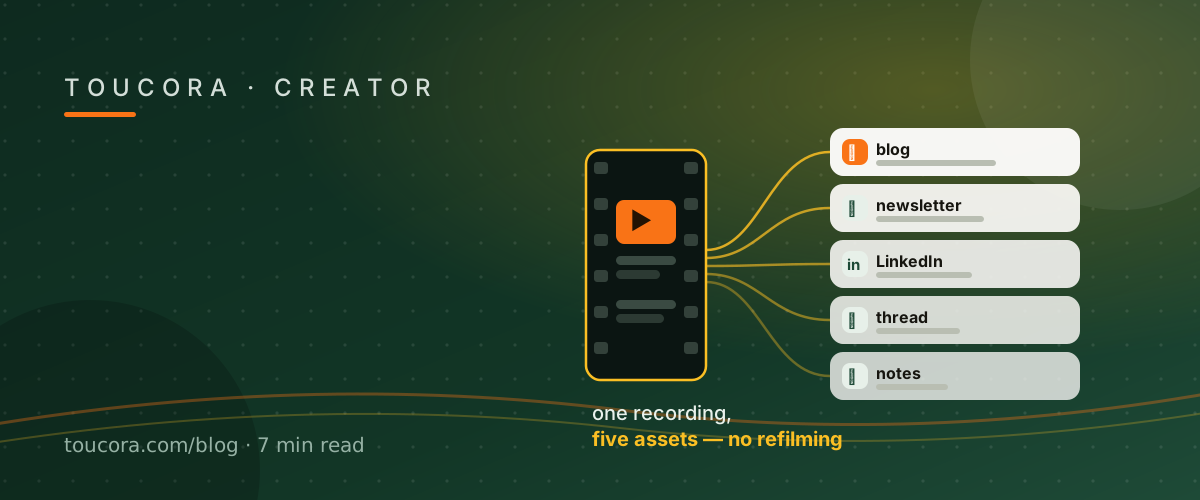
Publish the video. Extract the transcript once. Find three clips, two quotes and one draft. Schedule the repurposed pieces across the week, each linking back to the original. One recording, five or six assets, no extra filming.
Frequently asked
What formats can I repurpose into?
Blog post, newsletter, LinkedIn post, X thread, video description and show notes.
Are drafts copied verbatim?
They are grounded in the transcript but written as a draft you edit for your own voice.
Can I find clip candidates automatically?
Yes — Find clips ranks self-contained moments and explains why each works.