
Search · 5 min read
How to Search Inside a Video (and Find the Idea You Half-Remember)
There is a particular frustration in knowing a video contains the answer — and scrolling a two-hour caption file to find it. Search is what turns a transcript from a document into a tool.
Exact search: when you know the words
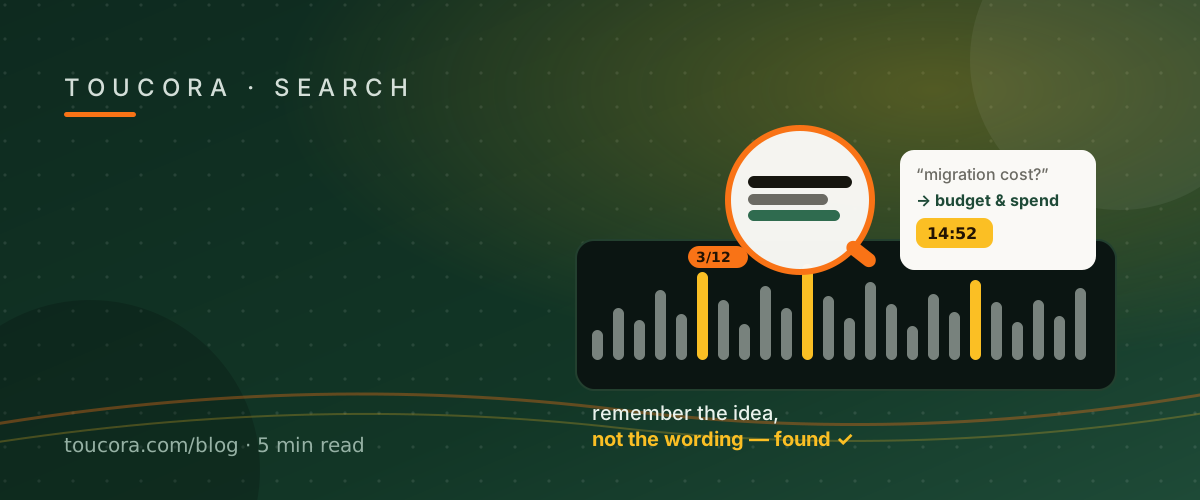
The simplest search is literal. Type a phrase and every matching line is highlighted, with a match counter and previous/next navigation that jumps the reader, and the player, to each hit. This is how you find a name, a number, or a term you wrote down.
Semantic search: when you only know the idea
Often you remember the concept but not the phrasing. Semantic search matches meaning rather than exact characters, so “how much did the migration cost?” can find a line that talks about budget and spend without using the word “cost”.
In Toucora, semantic search runs across the transcript server-side and returns ranked passages you can click to jump to. It complements exact search rather than replacing it: literal first when you know the words, semantic when you do not.
Ask a question, get a cited answer
Search finds passages; Ask AI answers questions. You type a question in plain language and get an answer grounded in the transcript, with the timestamps that support it. The difference matters: a search result makes you read, an answer with citations lets you verify.
Building the habit
Before you rewatch anything, search it. Nine times out of ten the moment you need is one query away, and clicking the timestamp puts you in the video at exactly that second.
Frequently asked
What is semantic search?
It matches the meaning of your query, not just the exact words, so you can find an idea without remembering its phrasing.
Do results jump the video?
Yes — clicking a search result seeks the player to that timestamp.
Is there a match counter?
Yes, exact search shows how many matches exist and lets you step through them.