
Languages · 5 min read
Translate YouTube Transcripts and Read Any Video in Your Language
The best video on a topic is rarely in your first language. Translation turns a transcript you cannot read into one you can — and bilingual mode lets you follow the original while you learn.
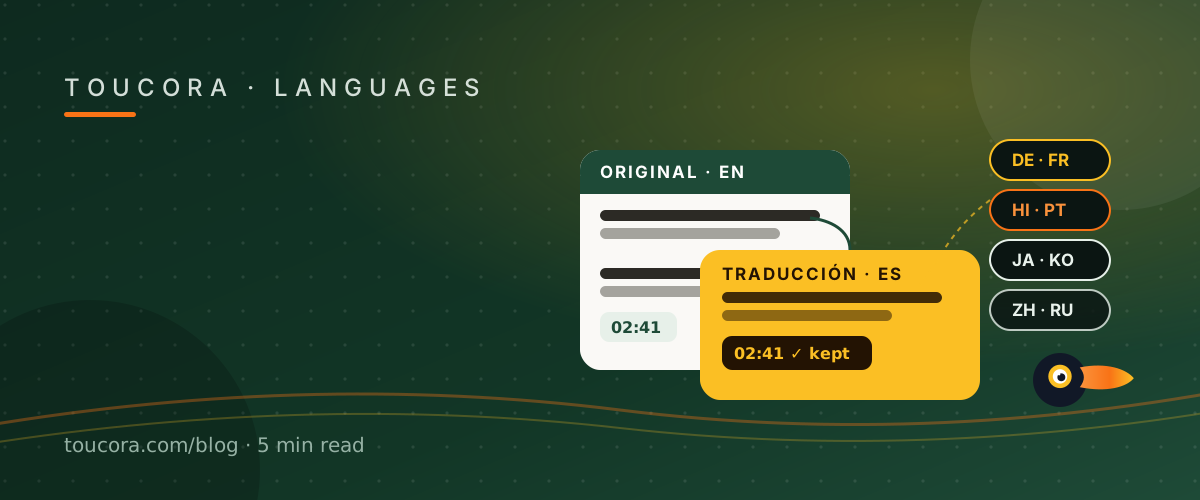
Translated mode: read it like it was written for you
Translated mode shows the transcript in your target language. Because each segment keeps its original timestamp, the translated text still points at the right second of the video, and SRT and VTT exports stay usable for subtitles.
Bilingual mode: original and translation together
Bilingual mode shows the original line and its translation stacked, which is ideal for language learners or for checking how a delicate phrase was rendered. You keep the source and the translation in one view instead of toggling between tools.
What happens when a track already exists
If the video already has a caption track in your language, a good tool detects it and says the transcript is already in that language rather than running it through a translator. When a machine translation is used, it should be labelled — you deserve to know whether you are reading a native track or a translation.
Choosing languages
Toucora supports the major world languages out of the box — including English, Spanish, German, French, Portuguese, Hindi, Italian, Japanese, Korean, Chinese and Russian — and the list is configurable as coverage grows.
Frequently asked
Are timestamps preserved?
Yes — translated output keeps the original timings, including for SRT and VTT exports.
What is bilingual mode?
It shows the original and translated lines together so you can compare them.
Which languages are supported?
Major world languages including Spanish, German, French, Portuguese, Hindi, Italian, Japanese, Korean, Chinese and Russian.